


Back to article
3329
Cannot hear own voice in headset
To resolve this issue, try the following:
Cannot hear own voice in headset | Bose QuietComfort Ultra Headphones (2nd Gen)
Use Self Voice to hear yourself speak more naturally.
When you receive a phone call, Self Voice lets you hear your own voice through your headphones so it sounds more natural.
You can adjust how much of your voice you want to hear. In the Bose Music app, select your headphones and then tap Settings > Self Voice.
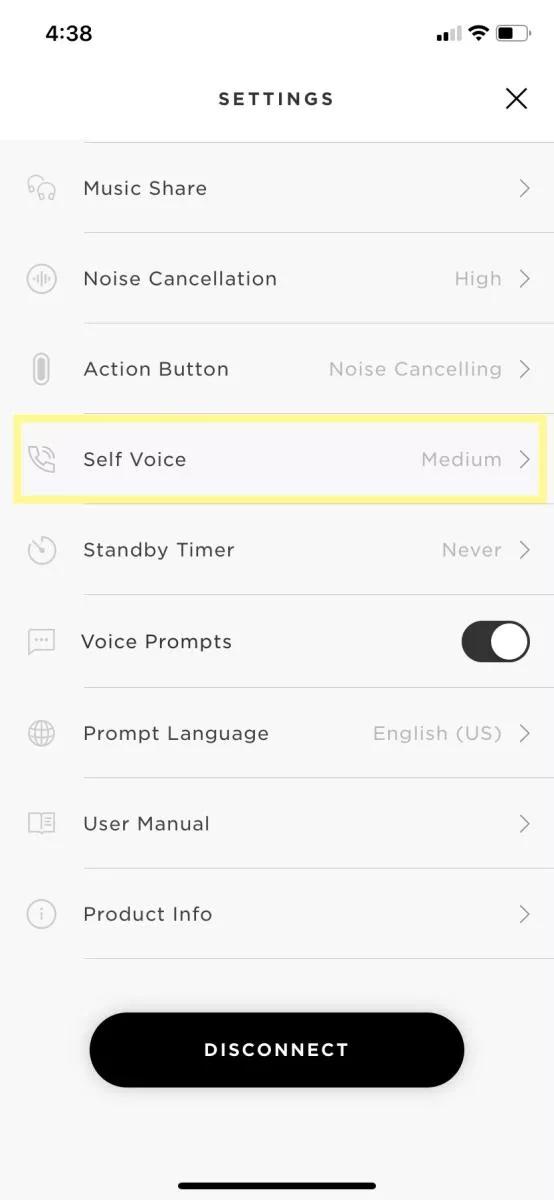
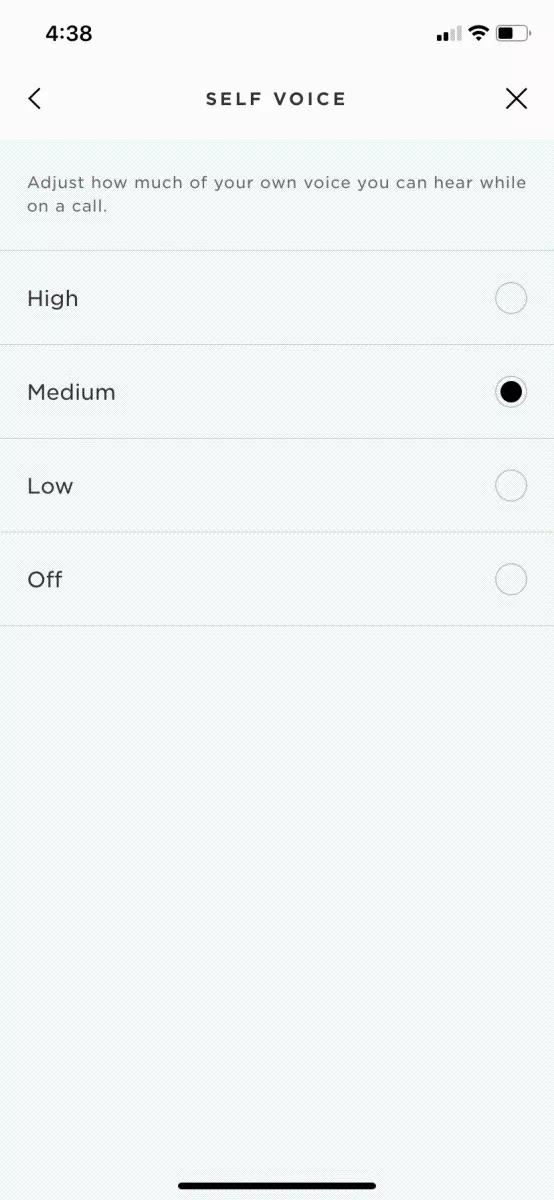
You can adjust how much of your voice you want to hear. In the Bose Music app, select your headphones and then tap Settings > Self Voice.
Was this article helpful?
Thank you for your feedback!