


Back to article
3348
Changing the voice prompt language
Your product offers multiple different voice prompt language selections so you can hear audible messages from your product in your preferred language.
Changing the voice prompt language | Bose QuietComfort Ultra Headphones (2nd Gen)
Pre-installed Voice Prompt Languages
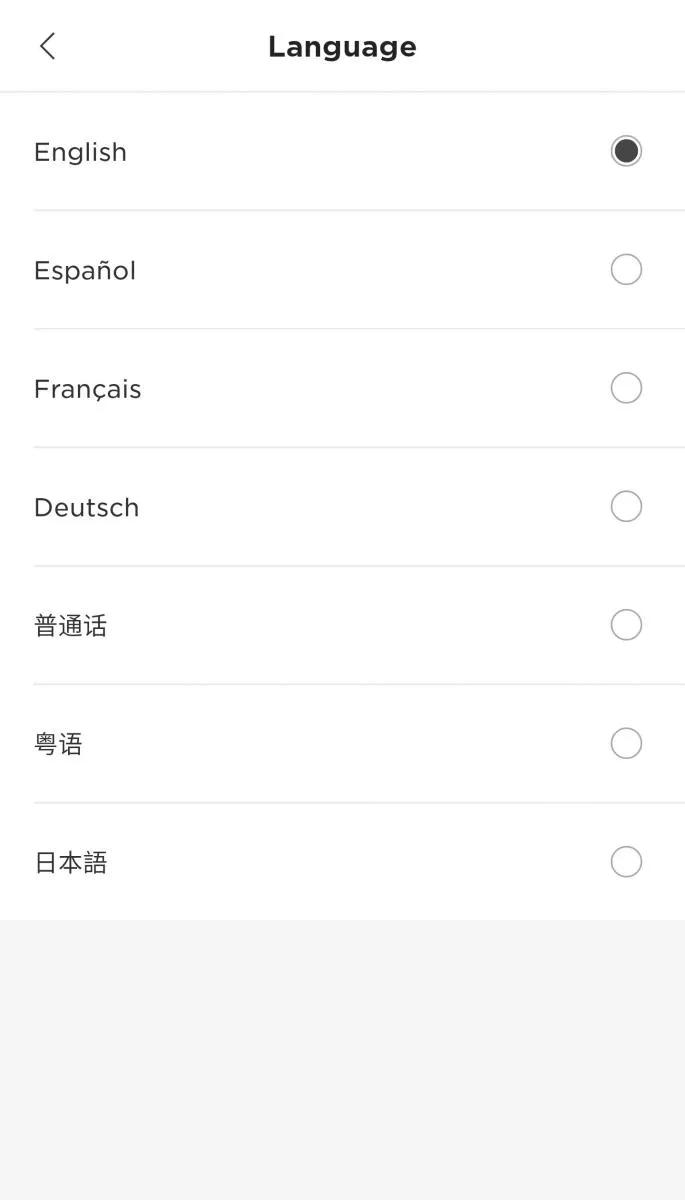
Korean • Japanese • Chinese (simplified) • English • Spanish • Italian • French • German
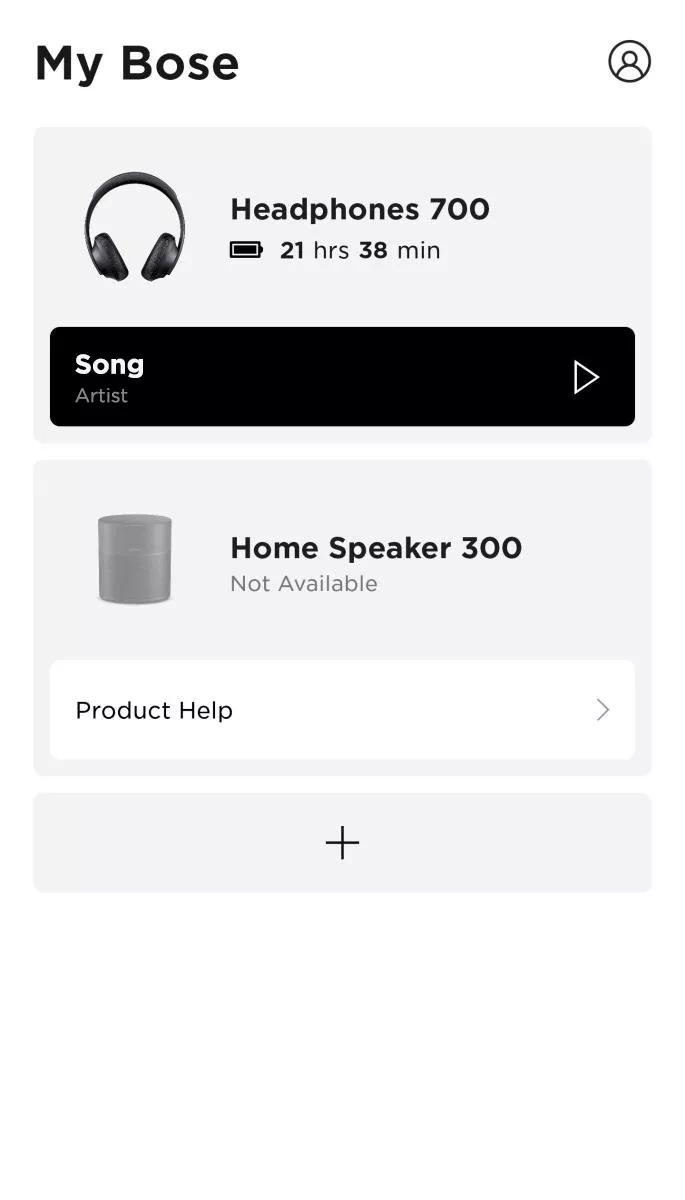
Use the Bose app to change the voice prompt language:
- Open the Bose app and connect or select your headphones
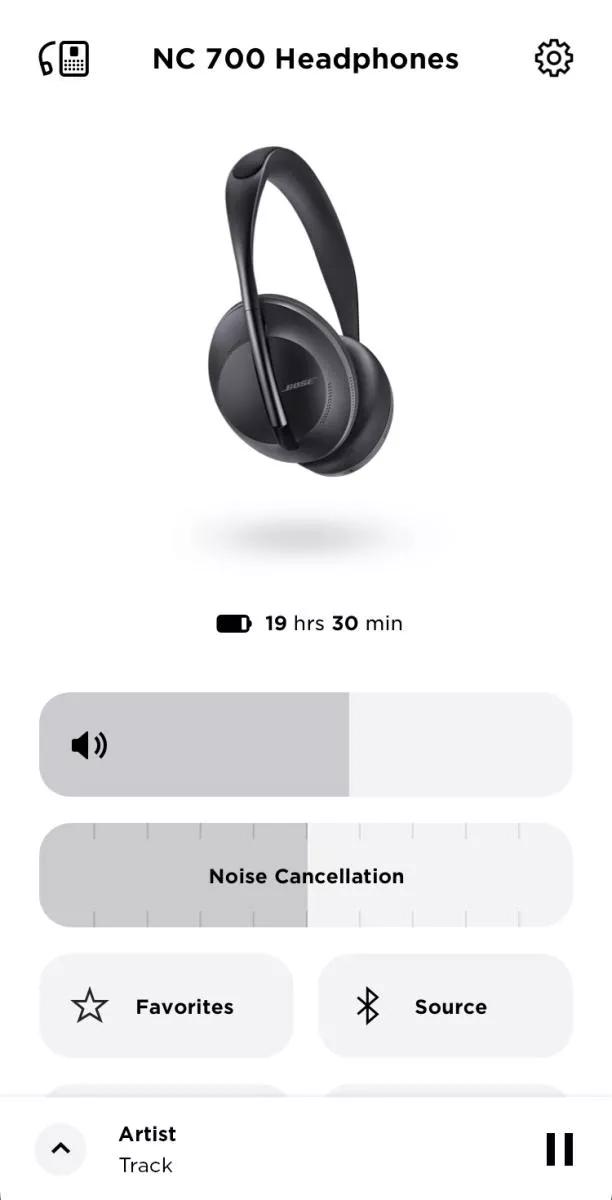
- Tap Settings
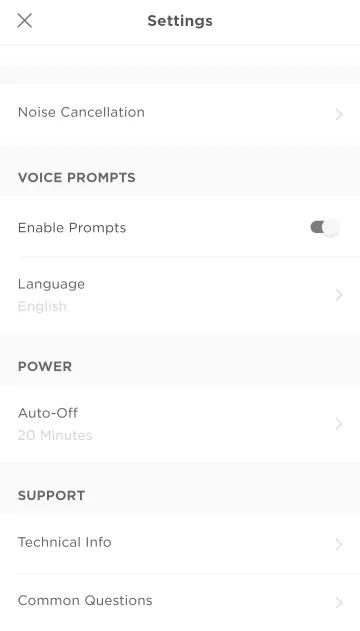
- Under VOICE PROMPTS, tap Language
- Scroll to and select the desired language.
Was this article helpful?
Thank you for your feedback!